Commodore 64 is back in 2026
So, in 2026, we have a new owner of the Commodore trademarks and a new Commodore 64! Well, actually, it is a bundling of a number of already available components into one system.
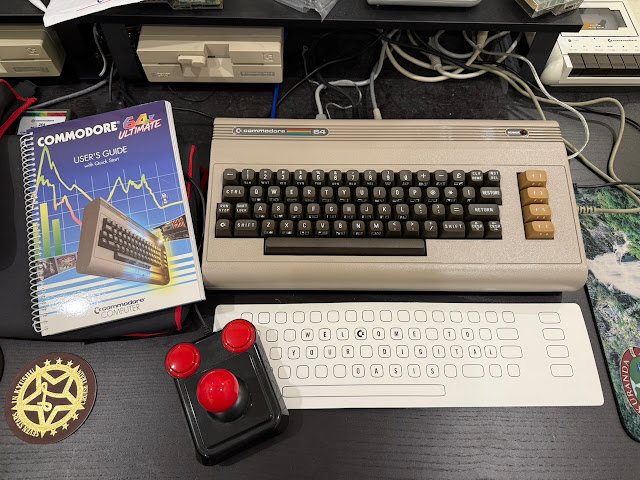
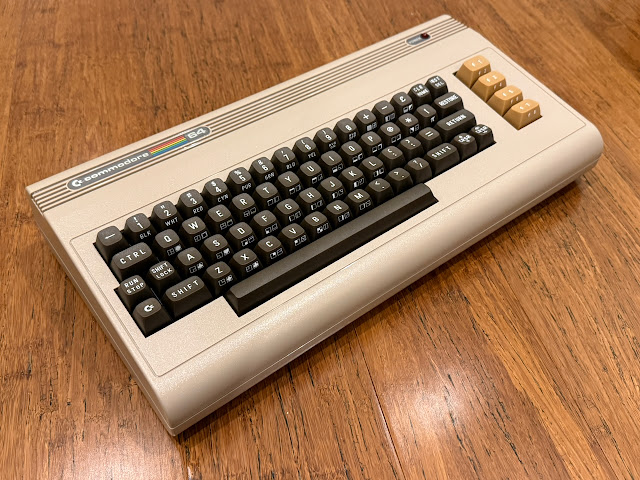
The C64 Ultimate offers many enhancements and modern features to the classic system like SD/USB loading support, ethernet/wifi support, internet connection for downloading software, modern PSU, while still retaining backwards compatibility with C64 peripherals, tape players, Commodore disk drives, cartridges, joysticks, video output, and more. I'll look at some of these in this blog post.
I originally started this blog post earlier in the year, but my health issues delayed me finishing it until now - it gave me the chance to try out more things including some new music application software made especially for the C64 Ultimate - hopefully it is worth the wait!
My system was delivered locally in Australia by a distributor in Adelaide, so I guess the whole batch of systems destined for Australian customers was sent in one shipment from China, and then distributed from Adelaide in one go.
Following Facebook retro groups, it seems most Australian purchasers got their system around the same time as me.
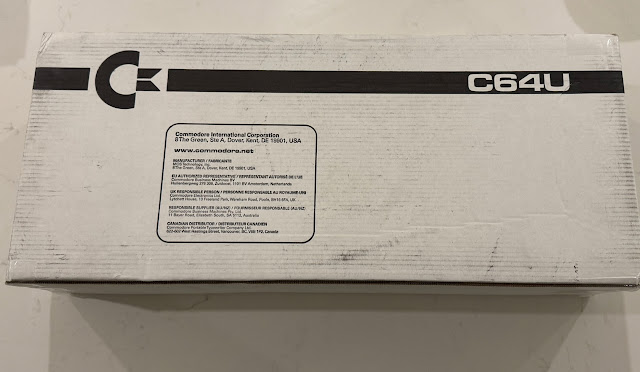
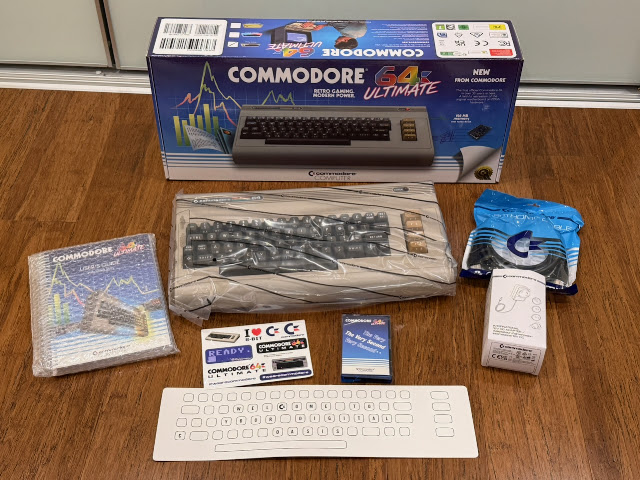
It came in this box:
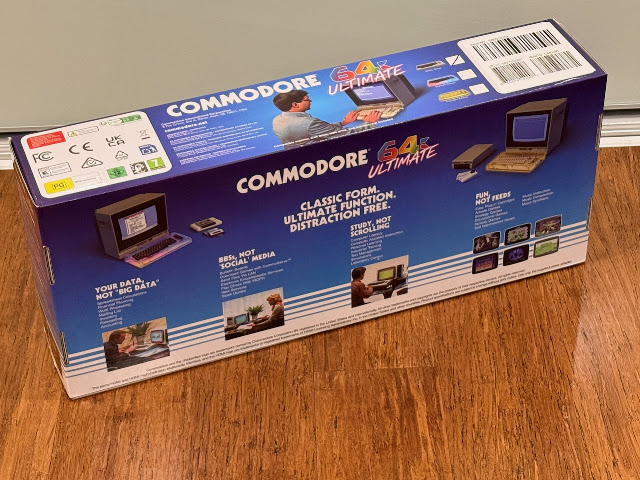
Inside was a nicely presented Commodore 64 Ultimate box, looking very professional indeed.
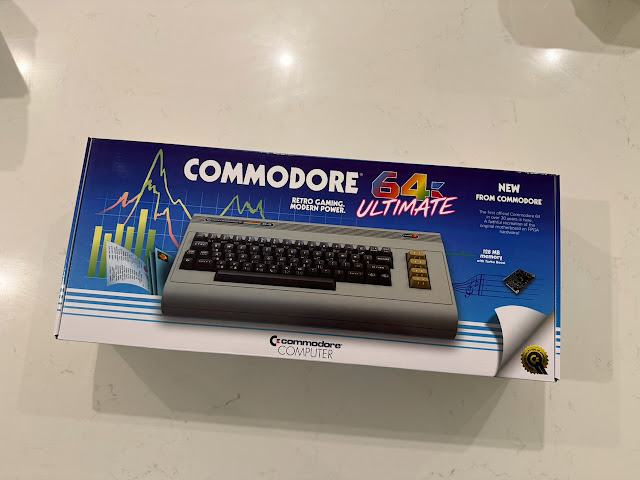
I admit it - I like the box:
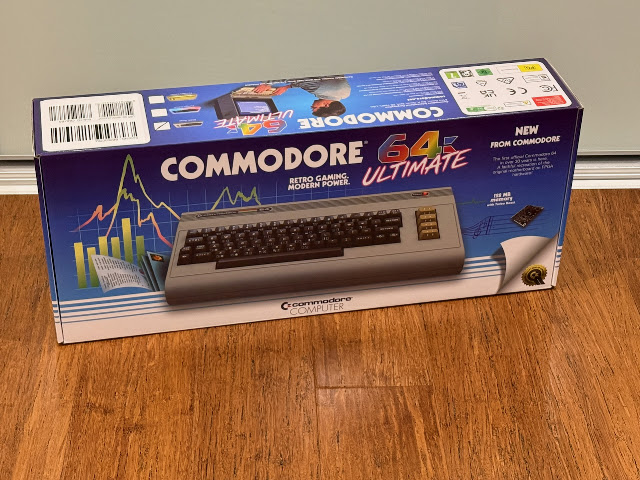
Done in the Commdore original style, it looks wonderfully retro.
"Welcome back to the world of friendly computing" greets you as you open the box.
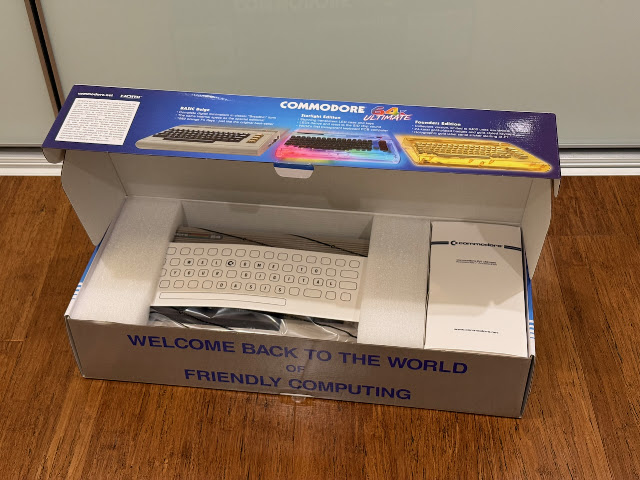
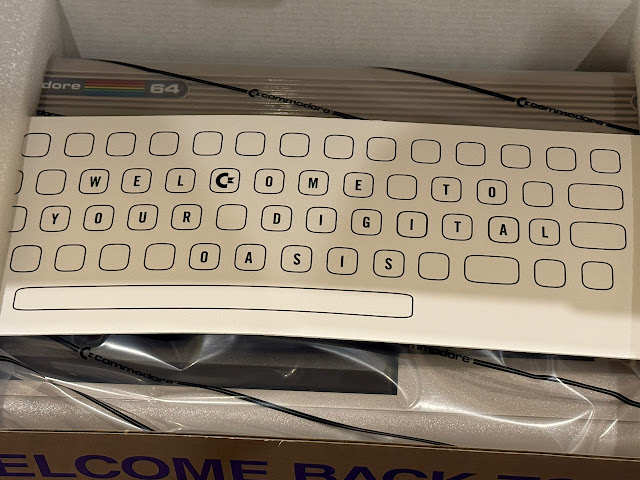
Included is a ring bound manual, USB "tape" contains various software to try out, Commodore brand HDMI cable, power supply, and stickers.
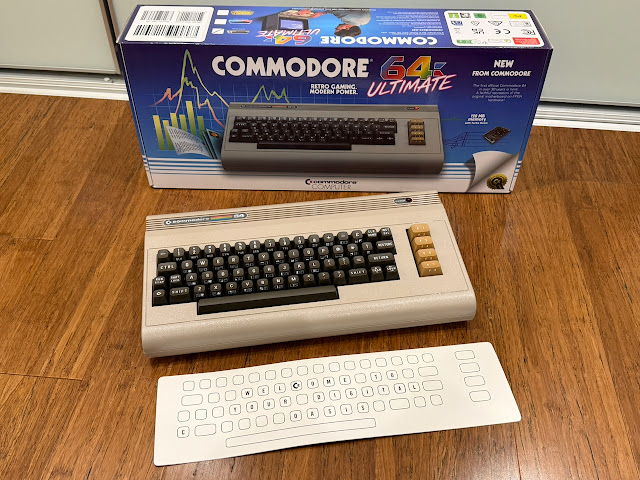
Looks just like an original breadbin C64. Admittedly my original breadbin came with darker brown colour function keys, but I won't quibble.

Keyboard feels nice to type on, without the stiffness the original keyboard had.

Switching to the back of the C64 Ultimate the port cutouts look familiar, but there are definitely changes.

The usual cartridge port is present, with phono audio port, IEC Serial and monitor output ports, and Tape drive port. The user port has been replaced with more modern functionality.

This omission of the user port means any expansion you have that use the user port will not work with the C64 Ultimate out of the box. There is (I heard) a user port option you can buy that connects via ribbon cable internally, but will mean an ugly ribbon cable and port needing to be poking outside the case somewhere.

Using a C64C in my current C64 setup, the breadbin C64 Ultimate is of course noticeably taller:

My C64 Ultimate has its own built in version of the external 1541 Ultimate II (with tape drive connector) that I use on the C64C currently. So it is not needed at all on the C64 Ultimate:

I swapped out the C64C with the c64 Ultimate and connected my existing video port to RCA/S-video output converter. To use HDMI I would need to change the 4:3 TFT screen and I didn't want to do that as I don't have space for a wide screen HDMI screen here.


Feels nice that a 2026 delivered computer can connect directly to my original Commodore 1541-II floppy drive, Commodore tape drive and video output.

Here is the power supply. Personally I hate the transparent casing.

Actually, I hate transparent casing on anything, period. I don't think it looks pretty at all in most cases. It takes effort to make an internal board and seated components look good when the casing is transparent - most don't look good at all. I don't see the point personally, but I know some people do like that look so YMMV.

With the C64U turned on, If you quickly press up on the power switch on the right hand side, the menu to control the settings for the C64U and to load tape/disk images appears.

There are a lot of options you can do with the C64U - setting up audio settings, turbo mode support, internet/network settings and many others too:

Personally I always turn on the REU (RAM Expansion Unit) to the full 16MB size, as I use it for REU demos, some games that have been modified to do "one load" using the REU, and to play back videos that use the REU. It is disabled by default.

You can also set up the internal 1541 virtual floppy drive settings, including whether the drive is enabled or not, the ID number it uses, and which rom (for example if you want to use JiffyDOS instead of the default ones):

Something I found it really quickly is that you need to physically disconnect the external 1541-II floppy drive to use the internal floppy drive in the C64Ultimate. This was never an issue on the C64C with 1541Ultimate II installed. I was surprised by this limitation, and I find it irritating to have to leave the drive disconnected unless I am using it.

There is an internal SD card slot inside the C64U you can store d64/d81 (floppy), crt (cartridge) and tape images. You can also read them from a USB stick plugged into the USB slot on the back of the C64U.

IThe c64U has modern ethernet/wifi connectivity options, which makes life easier for downloading files to the C64U, using FTP, Telnet, web control and other services. More on them later.

When loading files (cartridge, floppy or tape images), you can browse them from SD Card, Flash or USB stick if connected:

For now I powered off and connected a real physical C64 cartridge to the cartridge port. Rogue 64 works well:

I tested Polar Bear in Space next, and that worked well also:


Next I went legacy free to try some games from USB:

I copied across the contents of my SD Card in the 1541 Ultimate II to a FAT32 formatted USB stick. I could then read it on the C64U:

I bought Tyrian's Towers earlier in the year and I have to say I am very impressed with it.


Next I checked to see if there was an update for the C64U on their website, and sure enough there was. So I downloaded it to the USB stick on my Mac and plugged the stick into my C64U. From the file browser menu I can see the update file (with .ue2 extension) as below.

On selecting it you get an option to Run Update, so I did that next.

The C64U updater ran and I walked through the update process as below:

It will reformat the flash disk during this process so if you have anything on it you want to keep, this is important to note:


The update and flash process then proceeds:

This takes some time - so it is coffee time:


The machine turns off when the update is completed. On power on I checked the system information and confirmed the update has now been successfully applied.

Sadly the update didn't fix the external floppy drive connected preventing virtual drive from working issue..maybe the next update will sort it.


Next I tested the REU functionality of the C64U, by playing through several Nuvie videos and demos that use REU:


As expected, they worked perfectly:


Seems strange that the cartridge slot is just slightly too small for most of the modern cartridges to insert easily, requiring force to get them in. I am surprised if this was not tested prior to shipping..

That said, the cartridges (once inserted) work well.


Delta - yes, I think so.


Eventually the tape load finishes and the game works great!


Pleased to say the demos I tried worked great, with disk swapping also working well.

To solve the tight fitting cartridge port, I brought out my cartridge port extender:


I didn't try C64OS on it yet - given it uses SD2IEC to work I suspect the ID conflict might be an issue - like it is on the Mega65. Then again, I don't use it right now as I ran into trouble when upgrading it to the latest version. The upgrade failed and left it read only and useless - I have tried several times restoring it to factory and each time upgrading it I get the same result. I am not that motivated at the moment, so perhaps someone else will try it and report how it works on the C64U!

The C64U has a web interface built in, which you can connect to do some tasks directly on your C64U from another computer connected to the same network.


There is also a 6510 live monitor function - this is beyond my knowledge of C64 stuff, but I assume it is helpful for development, and imagine for those who have a use for such monitoring it would be handy to view remotely from a Windows/Mac/Linux computer:

Something that is more my speed is the ability to upload PRG (program files) or CRT files to the flash on the C64U remotely:

Another cool thing is the ability to get the C64U to playback SID tunes you upload from the web interface from another computer. This is something I never thought a C64 could do, so I am impressed.


The C64U motherboard also has two SID Chip sockets on the main board (as shown above and below) which allows you to use the original SID chips if you prefer to the FPGA ones implemented.


This new music composition software for the C64U takes advantage of the 8 SID support, and supports 7 CD-quality sampler channels too!


The manual advises to put the Heartbeat soundtracker program files and any samples you want to use on a MicroSD card rather than using a USB stick due to performance considerations transferring music data from the USB in real time.

To the left of the User port connector is the MicroSD port I need. As mentioned, I don't get why this wasn't mounted underneath and a trapdoor slot made on the bottom to make it easier to access.

Anyway - I had a 2GB MicroSD floating around, so I copied the files from the Heartbeat soundtracker archive to the MicroSD on my Mac and then inserted into the C64U MicroSD slot.

Interesting thing I notice at this point was the audio out phono port is a line out port and has SPDIF support!

I then closed the case up and powered on the C64U again.


It loads in the C64U settings needed for the Heartbeat soundtracker application to run,

I can then run the Heartbeat soundtracker PRG file to launch the application:

Heartbeat Soundtracker initially opens and presents the pattern editor screen:


The software uses the REU to store samples and instruments used for composing, so the 16MB REU is the maximum limit for storing samples in your song.


Samples are .wav files. Only 16-bit mono wav is supported. Sample rate doesn't matter, but ideally you want to use either 44.100 Hz (which is note C4 in the tracker) or 22.050 Hz (which is note C3) or perhaps 11.025 Hz (good guess, C2). You can look at the Samples folder on the MicroSD for some examples of the wav samples so you know what you can do - but keep in mind the 16MB REU memory limit for samples used in your songs.

Personally I find the software interesting as I am more likely to compose with it than hacking away on SID composition software - this is because of the tracker interface, which is something I am way more familiar with from composing modules on the Amiga.

You can also modify parameters on sample instruments - volume, pitch, looping, and other parameters too:


There is also a Song Parameters screen to modify parameters that impacts the whole song, not just one pattern or instrument.


You can loop one pattern over and over while you work on getting it to sound how you want. The usual copy/paste functions exist, and there are plenty of options to modify the samples/instrucments played in the patterns, in a similar way to module tracking.


Saving takes a bit of time so be patient.
